
Amazon has become one of the biggest eCommerce platforms in the world. In addition to being a great place to sell goods, Amazon offers cloud computing, web hosting, and retail banking services. The company has grown from its humble beginnings selling books to becoming a significant player in every aspect of commerce. Businesses that want to showcase products professionally often build an amazon brand page inside their amazon brand store, where customers can browse products and brand stories in one place.
Amazon was founded in 1994 by Jeff Bezos. Since then, the company has gone through several changes and transformations. From being a bookseller to a retailer of electronics, clothing, furniture, toys, and much more, Amazon has evolved into a global powerhouse. Today, Amazon is the largest online marketplace in the world.
Branding is essential because it helps customers identify who they are buying from. This allows them to trust their brand and purchase items without hesitation. If you want to succeed in the future, you should start branding now. To protect brand identity and trademarks used in online marketplaces, sellers often rely on official trademark registration systems. For example, the U.S. government explains how trademarks help identify the source of goods and protect brands in commerce through the USPTO trademark basics guide.
Many sellers collect important amazon store information and branding assets before launching their storefront so that the store layout, messaging, and product categories align with their brand strategy.
Table of Contents
How Do I Set Up an Amazon Store?
Step-by-Step Amazon Store Creation Guide
Registering as a Professional Seller
Joining the Amazon Brand Registry
Outsource Amazon Store Management Services
What Are Amazon Stores Like?
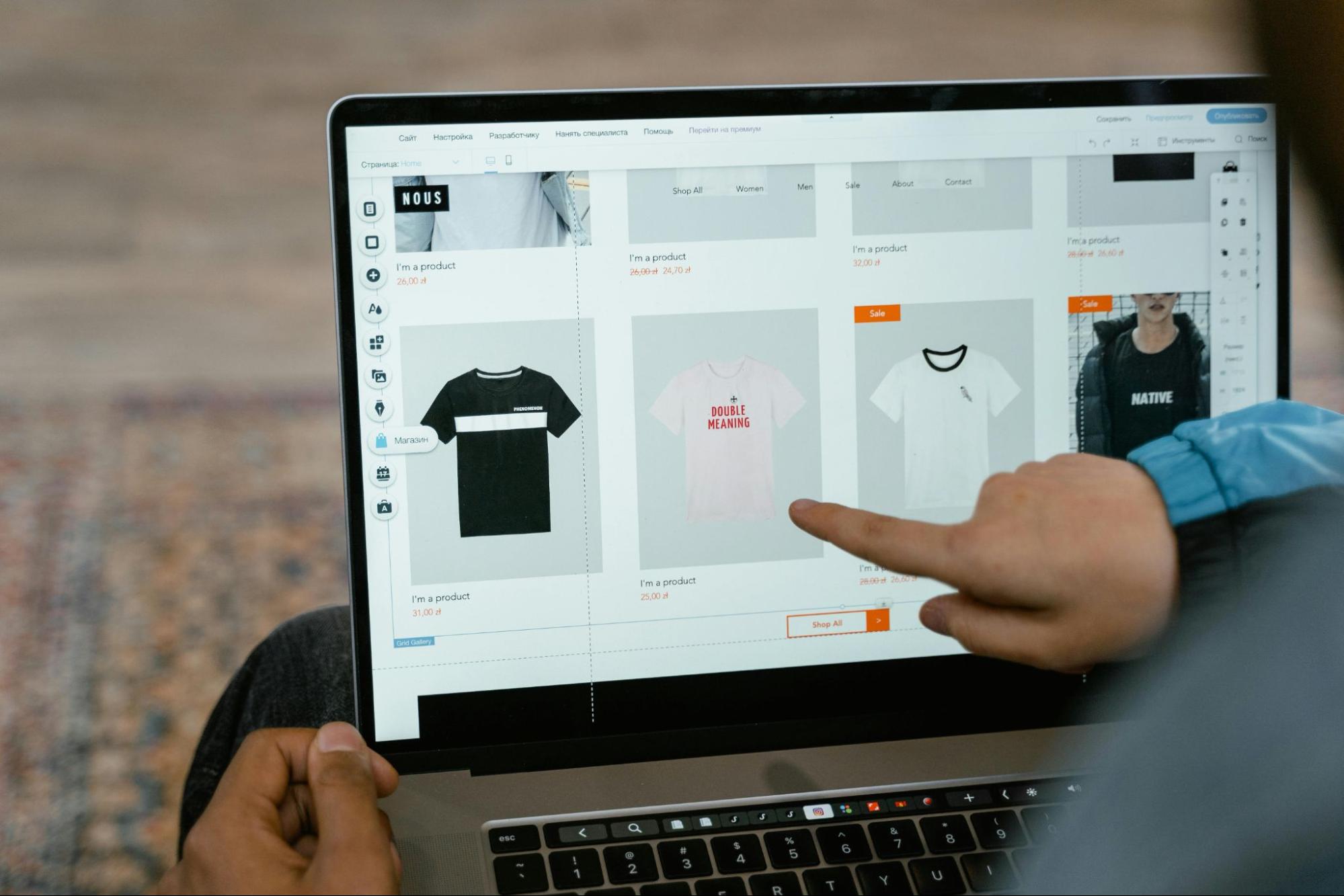
Every page of the Amazon Store Management has a header and a footer surrounded by various content tiles. An illustration of how your products might appear on the Amazon Store is provided in the image below.
Basic Amazon Store
Every Amazon Store Management Services may have up to three levels, each with a different set of pages. These pages typically form a branded storefront structure similar to a website within an amazon brand store, helping customers navigate categories and discover products more easily.
Note: You can easily send customers to your home tab or any other category when you direct traffic to a new storefront page using Headline Search Ads. Every page has its URL or link.
You can choose from 3 different templates (which are standard tiles) on Amazon Store Management:
- Product Table
- Highlight
- Marquee
A Total of 4 Sections for Amazon Store Management:
- Using the Page Manager tool, you can choose, move, create, and delete pages from the Amazon Store.
- Using the tile manager, you can add, move, edit, and delete tiles from the Amazon Store.
- This displays what your current page will look like when it is life.
- The status bar shows the error messages and the current moderation status for the Amazon Store.
How Do I Set up an Amazon Store?
Given that you have signed up for the Amazon Brand Registry program creating an Amazon Storefront is not only free but also not a simple task. Many sellers follow a structured amazon store creation guide to ensure the store design, product catalog, and navigation are set up properly.
Here Is How to Create an Amazon Store Step-By-Step:
Step 1: Is to Register as a Professional Seller
The first step is to open a professional seller account. You can choose the items for your web store and purchase your online store on Amazon after providing your basic information, including name, password, email address, payment information, and business contact information.
Amazon will call you at the business contact number you have provided to confirm that you are an actual or legitimate business. Therefore, make sure everything is typed correctly every time.
When it comes to the approval procedure and allowing you to sell on its marketplace, Amazon is picky. It has stringent requirements for proofreading and documentation. Eliminating fake sellers and sellers who attempt to manipulate organic rankings across multiple accounts safeguards both the sellers and the customers.
This information is needed to create a professional seller account:
- You, please (as per the income tax return)
- Complete address
- Your telephone number
- What is your email?
- Your company's legal structure (LLC partnership, sole proprietor, corporation)
- State of registration
- Federal Tax Identification number, which you have
You need to keep these close at hand for identity verification:
- Names, first and last
- DOB (Date of Birth)
- ID from the government, such as a driver's license number
nation at issue - An excellent photo of the front and back of your ID
- Statement of your bank account
A Charge:
- You must provide your credit card information so that Amazon can use it to charge your $39.99 monthly fee.
In Exchange For:
- A U.S. bank account number is required.
Step 2: Sign Up with the Amazon Brand Registry
Following Amazon's approval of your professional selling account, you must now apply for the ABR (Amazon Brand Registry) program to set up an Amazon Store.
Different tools are available through the ABR program to protect and enhance your brand on Amazon. This includes, as well:
- Reputable presentations
- Even the "gated or restricted" selling categories can be accessed
- Improved advertising and marketing features
- Resells are not permitted to use Brand Registry tools.
As a result, after registering your brand, you can add enhanced content, such as lifestyle images, brand messaging, and many other assets, to each product page and your amazon brand page.
Keep in mind that only a brand that has registered can manage all of its product pages. Amazon's Brand Services will assist in removing imitation sellers and sellers who violate your brand's trademark.
One of the main advantages of Brand Registry is its ability to create a branded storefront, even though a tool like Brand Analytics offers detailed insights and metrics on Amazon's customers. This storefront structure forms the foundation of your amazon brand store where customers can explore product collections and learn about your brand.
You must submit the following information to apply to the ABR program:
- The United States Patent & Trademark Office records your brand name as being used.
- The serial number for your company (USPTO registered)
- a list of the nations where your products are produced and sold
- your product's depiction of your brand name
- picture of your product label
- Image of your product (s)
Step 3: Use a Suitable Template to Create Your Store's Homepage
Once you have registered your brand with ABR (Amazon Brand Registry), log into Seller Central or go to Stores > Manage Stores from the Ad Console.
Running an Amazon Store
When you do this, a list of your brands that are eligible for store creation will be displayed to you.
Select an item from the list, then carry out the other instructions Amazon gives you. Choosing a template will help you design your homepage and organize your amazon store information effectively.
Product Themes for the Amazon Store Setup Service
You can choose from four different themes that Amazon will display. Choose the appropriate one based on your company's needs.
Step 4: Build Your Store Pages in Step Four
It's time to build additional pages for your store based on your best-selling products, catalog categories, offers, discounts, and more after you've established the homepage.
Amazon Store Setup Service
Your store pages should be constructed in a manner that is very similar to that of your eCommerce website.
When creating the page, pay close attention to even the smallest details. Ensure the navigation is simple enough for customers to quickly and easily find what they're looking for. Here, convenience in shopping is essential. Therefore, be sure that your pages are created in that manner.
Step 5: Add the Content Tiles to Each Page in Step Five
The next step is to add content tiles to each page after creating a proper hierarchy for your pages (remember that they should be user-friendly with simple navigation).
Therefore, the content a customer can interact with on each store page is referred to as content tiles. These consist of:
- Images
- Titles
- Grids of goods (example: bestsellers)
- Galleries
- Video
- Navigation
Step 6: Put Your Products Online
It's time to add your products once the design layout of the various pages is complete. Each store has a product inventory and a large selection of goods from which customers can choose.
Your store is no different, so. You'll also need to stock your store with goods you intend to sell. The advantage over here, however, is that you can upload your entire product inventory at once, unlike in other stores.
Simply give every product an ASIN (Amazon Standard Identification Number) or UPC. Then, all that is left to do is copy and paste. Because you can quickly search the ASINs that you are already selling on Amazon's Marketplace, this task is made simple.
Many sellers follow a structured amazon store creation guide when completing these steps so that their store hierarchy, product categories, and visual design remain consistent across their amazon brand store.
Outsource Amazon Store Management Services
A larger audience can see the value of your brand by visiting your Amazon store. But only a distinctive and personalized design will allow this potential value to be realized. We can be of assistance here! Our specialists can design Amazon storefronts that provide a top-notch user experience and effectively represent your company online.
Vserve is a reputable, knowledgeable service provider for Amazon e-commerce. Our strategies for managing and setting up stores have generated profits. We're committed to creating a particular Amazon store for you so you can quickly grow your business while organizing your amazon store information and building a compelling amazon brand page for customers.
FAQ
What is an Amazon brand page?
An amazon brand page is a dedicated section within an Amazon storefront where brands present their products, brand story, images, and promotional content to customers.
What is an Amazon brand store?
An amazon brand store is a customizable storefront within Amazon that allows sellers enrolled in Brand Registry to showcase multiple products and collections in one branded environment.
Why is amazon store information important?
Accurate amazon store information helps customers understand your brand, browse categories easily, and trust your products, improving both conversion rates and brand recognition.
What is included in an amazon store creation guide?
An amazon store creation guide typically explains how to register for Brand Registry, design store pages, add product tiles, upload inventory, and optimize the layout for a better customer experience.