


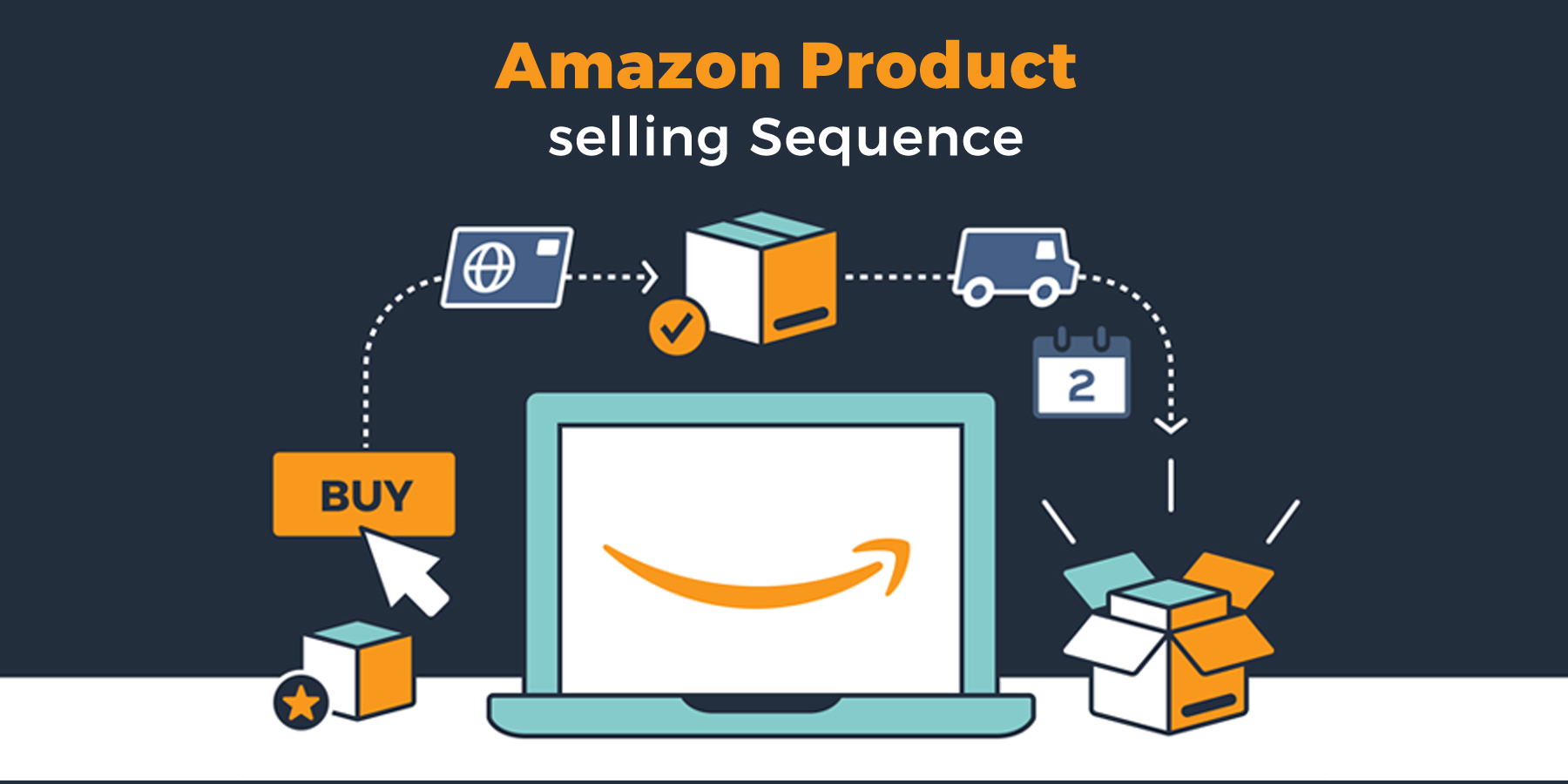
Last updated on January 9th, 2026
After corporate giants like Apple, Alphabet, and Microsoft, Amazon stands tall as one of the most influential organizations in the world. It is a daily reflex for millions of buyers. For some, it has become a habit. As early as 2008, Amazon recorded around 615 million visitors. Over the years, it invested heavily in campaigns, spending millions to strengthen its bond with shoppers. In mid-2025, amazon.com was receiving roughly 2.7–2.8 billion visits per month, making it one of the most visited e-commerce sites globally.
That number has only grown.
Today, the Amazon marketplace is a massive global stage where established brands and first-time sellers stand side by side. It offers reach, trust, and a selling potential that few platforms can match. If you are wondering how to begin and how to sell smartly, this step by step guide on how to sell products on Amazon will quietly guide you forward.
Before acting on these steps, let us pause and understand why selling on Amazon makes practical sense.
- Selling on Amazon gives you access to crores of customers worldwide.
- It comes with a reliable, fast, and mostly stress-free shopping experience.
- There are no fixed costs. You pay only when your product sells.
- You also gain access to professional tools and services through Amazon Seller Central that support sellers at every stage.
These reasons alone explain why so many businesses choose Amazon as their first online selling home.
Table of Contents
Advantages of Being an Amazon Seller
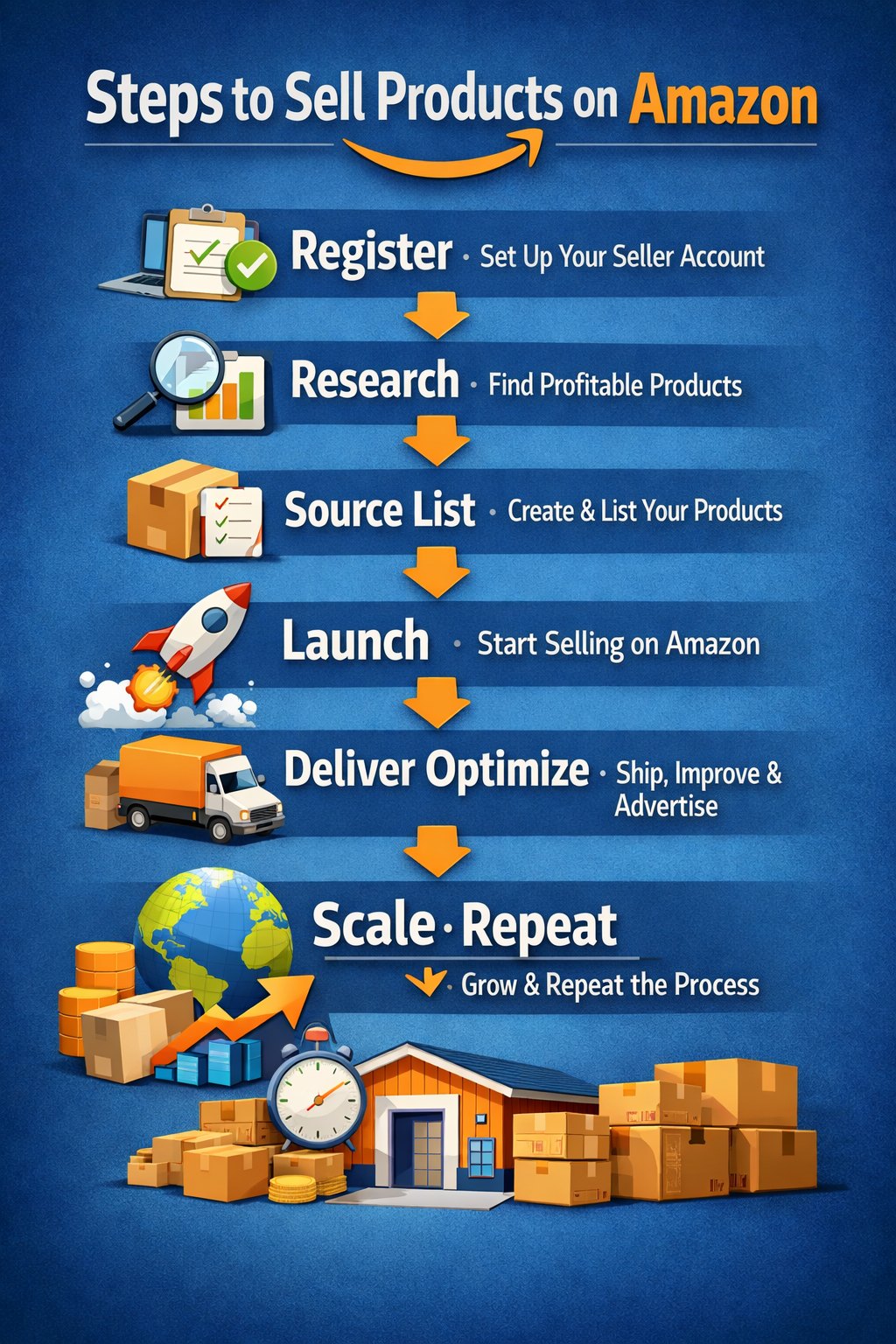
A Step-by-Step Guide on How to Sell Products on Amazon
Advantages of Being an Amazon Seller
There are many advantages to becoming an Amazon seller, and most experienced sellers will nod quietly in agreement.
Amazon attracts millions of daily visitors, making it one of the most trusted platforms for selling online globally. This visibility gives your products a chance to be seen without heavy upfront marketing spend.
Amazon also uses advanced systems and best practices to ensure product visibility. Its algorithms, data structures, and listing rules are designed to surface relevant products at the right time.
The fulfillment options are flexible. You can choose Fulfilled by Amazon (FBA), Fulfilled by Merchant (FBM), or pickup options available in select locations. Each model suits a different business rhythm.
The Amazon seller account dashboard is simple, clean, and surprisingly friendly. You do not need to be a technical wizard to manage inventory, track orders, or review payments.
Fees are clearly mentioned and competitive. You pay when you sell, not before.
Another silent advantage is growth. Selling on Amazon helps businesses expand their online footprint while learning the discipline of structured product data, often guided by a product information management guide approach.
A Step-by-Step Guide on How to Sell Products on Amazon
Selling on Amazon is not complicated, but it is methodical. Each step builds the next.
Register as an Amazon Seller
The first step is Amazon seller registration. You need to create your Amazon seller account by submitting the required documents. These include identity proof, bank details, tax information, and business credentials.
Registration happens through Amazon Seller Central, which becomes your control room. From here, you manage listings, pricing, orders, and performance.
Once approved, your seller account becomes active and ready.
Research Products
Before listing anything, study what sells and what sleeps. Amazon provides tools like Best Seller Rank that help sellers understand demand patterns. Products ranked higher generally indicate faster movement, but niche products with lower ranks can also perform well if positioned correctly.
Look at pricing, reviews, competition, and customer questions. Research helps you decide what to sell, what to avoid, and where opportunity hides quietly.
This step becomes easier when you treat product data as an asset, something a product information management guide often emphasizes.

Identify and Find the Right Suppliers
Consistency depends on supply.
You need reliable suppliers who can deliver quality products regularly. These could be wholesalers, distributors, local manufacturers, or long-term partners.
If you sell your own brand, ensure that your products meet Amazon’s quality, compliance, and packaging standards. Products that fail these checks may be rejected.
Here are a few ways sellers source products:
- Buy from wholesalers and sell at labeled prices.
- Purchase bundles and sell items individually.
- Form long-term dealer partnerships for better margins.
- Source unique local or regional products.
- Create and sell your own innovative products.
Each approach works differently, but all require discipline and trust.
Create a Listing of Your Products Using Amazon Seller Central
Product listing is where visibility begins.
A product listing includes title, description, images, bullet points, backend keywords, and technical attributes. It is content with structure.
If listings feel overwhelming, professional help can simplify the process. Accurate and updated listings help your products rank better and convert faster.
This is also where sellers using Amazon Vendor Central differ from third-party sellers, as vendors follow Amazon’s wholesale-driven model, while sellers control pricing and listings directly through Amazon Seller Central.
Make Sure That Your Amazon Store Is Live on the Amazon Marketplace
Once listings are complete, your store goes live. Customers browse, compare, and purchase. Orders appear in your dashboard. Amazon handles delivery if you choose FBA, or you manage shipping under FBM.
Payments are deposited into your bank account within a set cycle. Fees are deducted only after a sale occurs. From here, selling becomes a rhythm. Adjust pricing, improve listings, and track feedback. This helps you to grow steadily.
Frequently Asked Questions
1. What is the difference between Amazon Seller Central and Amazon Vendor Central?
Amazon Seller Central is for third-party sellers, while Amazon Vendor Central is for brands selling wholesale directly to Amazon.
2. How long does Amazon seller registration take?
Amazon seller registration usually takes a few days if the documents are accurate and verified quickly.
3. Is an Amazon Seller account suitable for small businesses?
Yes, an Amazon Seller account is ideal for small and growing businesses due to low entry barriers.
4. Do I need a product information management guide to sell on Amazon?
While not mandatory, a product information management guide helps maintain accurate and scalable listings.
5. Can I sell internationally on the Amazon marketplace?
Yes, Amazon allows sellers to expand to global marketplaces with proper compliance.
Conclusion
The world of online selling keeps expanding. Buyers multiply, and expectations rise. Platforms evolve.
Amazon remains a powerful place to sell, grow, and learn. When launching your first product or refining an existing store, following the right steps makes the journey smoother.
This step by step guide on how to sell products on Amazon shows that success is structured and intentional.
Ready to simplify selling on Amazon?
Vserve Amazon Listing Services helps you manage product data, optimize listings, and scale with confidence. From product onboarding to listing enhancement, Vserve ALS supports your Amazon journey from start to finish.
Contact Vserve Listing Services today.
Suggested Reads
- https://www.amazonlistingservice.com/blog/amazon-product-data-enhancement-tips/ - Short tips to refine product data accuracy and visibility.
- https://www.amazonlistingservice.com/blog/amazon-product-data-enhancement/ - Detailed guide to strengthening Amazon product information.
- https://www.amazonlistingservice.com/blog/amazon-product-upload-services-to-accelerate-sales/ - How professional uploads improve speed and sales growth.
- https://www.amazonlistingservice.com/blog/benefits-amazon-product-onboarding/ - Why structured onboarding matters for Amazon success.